 Noctemira
Stacking
Calibrate, align, stack – with distortion correction into the corners, photometric and local normalization and weighting by signal and sharpness. The result: one linear 32-bit TIFF per filter.
Noctemira Stack calibrates and stacks your frames, Noctemira Edit turns them into the finished picture. Sharpening, noise reduction, star removal, background extraction and color calibration are built in – our own methods, no extra plugins. For mono and color cameras, with a guide that takes you through every step.
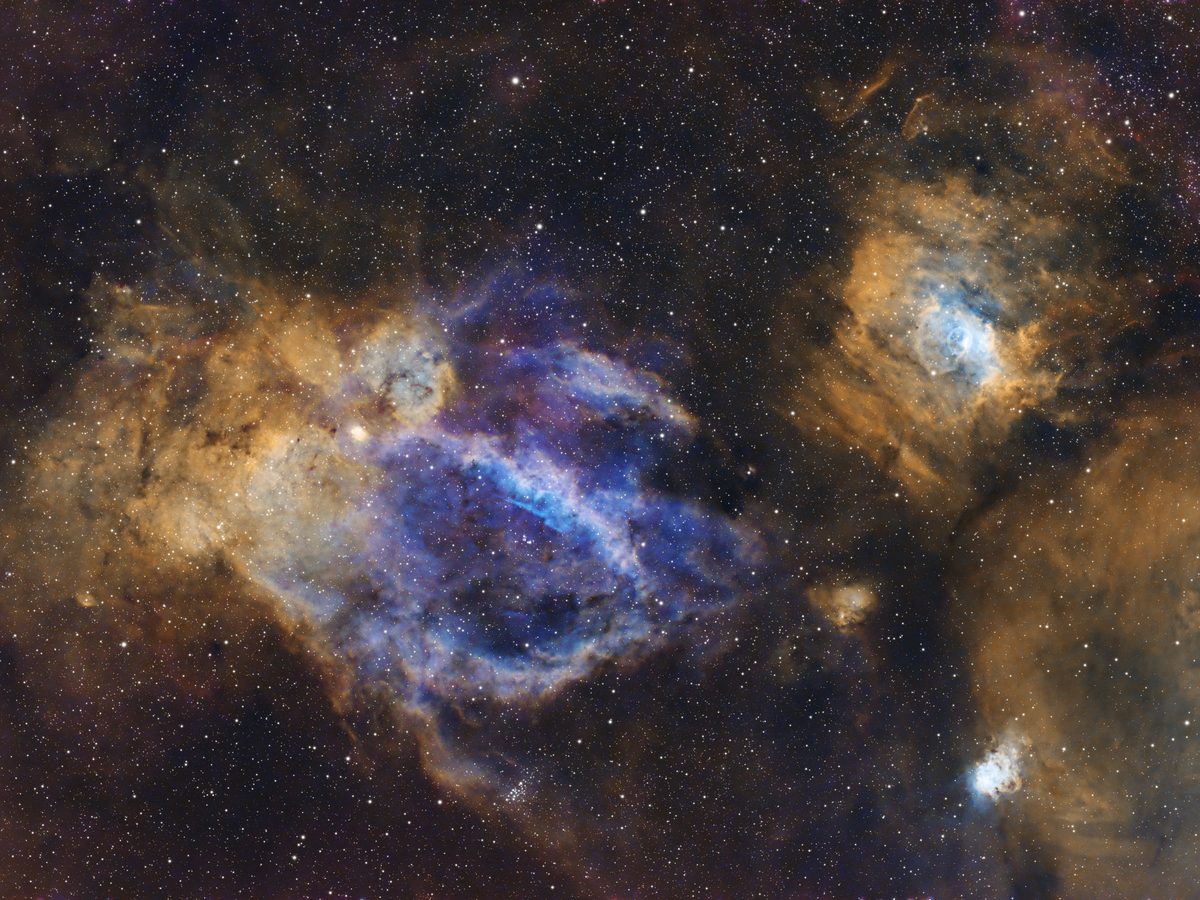
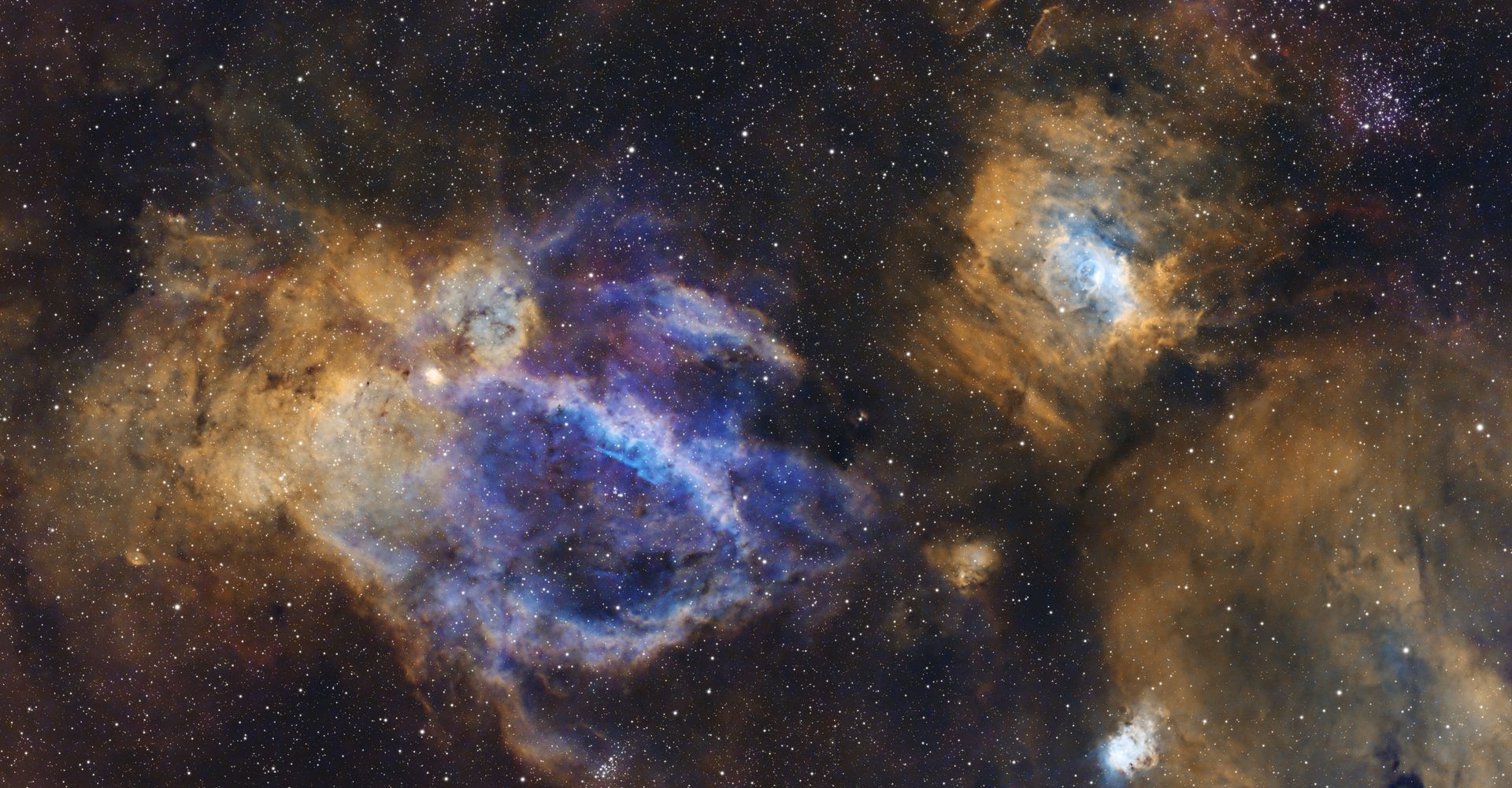
Title image: Lobster Claw and Bubble Nebula, SHO, 11 hours of exposure – stacked and processed in Noctemira
Every tool is our own development and works directly on your data – linear or stretched, mono or color. No second program, no plugins needed.
Calibrate, align, stack – with distortion correction into the corners, photometric and local normalization and weighting by signal and sharpness. The result: one linear 32-bit TIFF per filter.
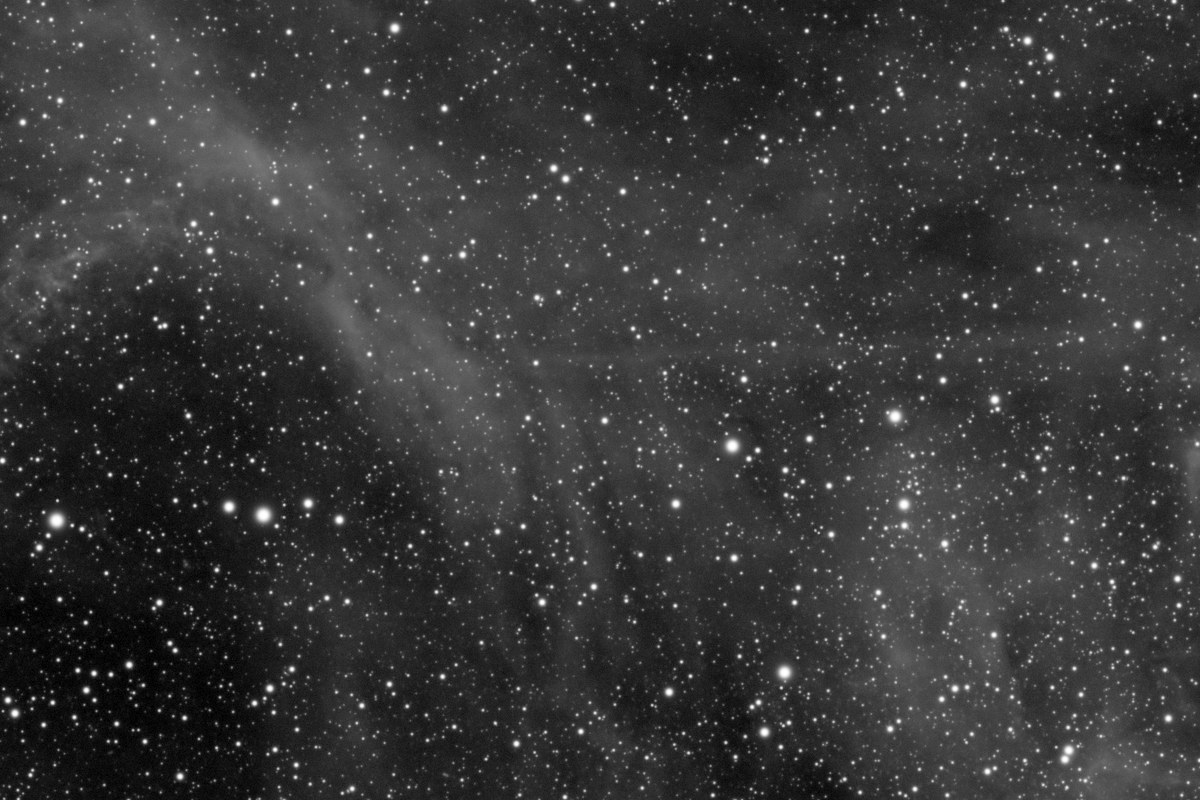
Deconvolution with the star shape (PSF) Noctemira measures in your image: smaller, rounder stars and finer nebula detail – without lifting the noise.
Measures the noise of the whole image and removes it, luminance and color separately. Optionally with our own neural network, trained on real subframes – running locally on your graphics card.
Classic or with our own AI model: stars and nebula go onto two layers that add up to the original again. Stretch the nebula hard, then bring the stars back gently at the end.
Removes gradients from light pollution, the moon and vignetting. The sample boxes avoid stars, nebulae and stacking edges automatically.
Photometric color calibration with a built-in color catalog (8 million stars), plate solving with 15.8 million stars and object annotation – offline, no external solver.
Mono with Ha, OIII, SII and LRGB, one-shot color cameras (OSC) and the RAW files of DSLR and mirrorless cameras. Dual-band data is split into Ha and OIII.
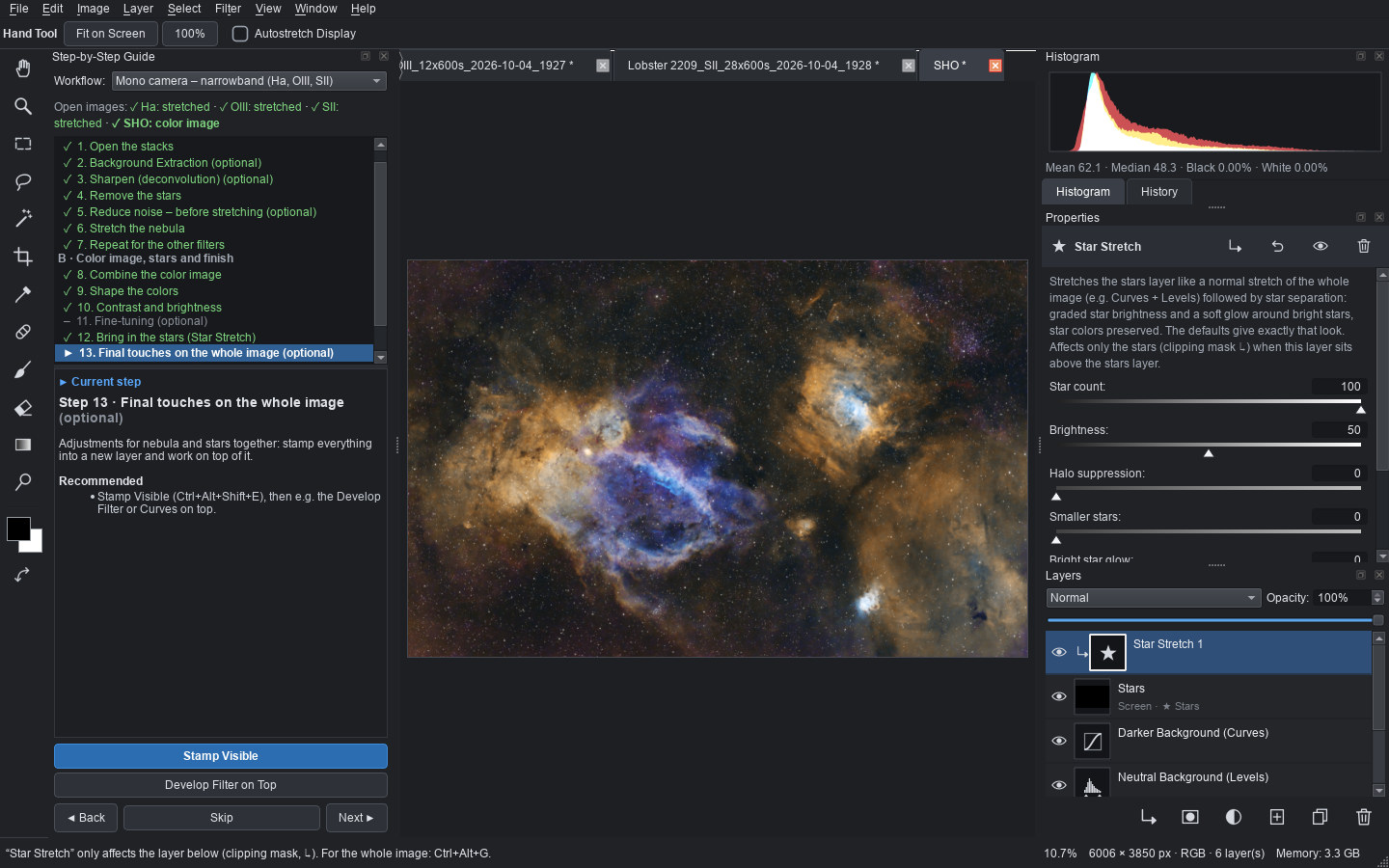
The guide in the editor leads you through the whole process, explains every step and opens the right tool. “Process All Filters” does the routine work for every filter in one click.
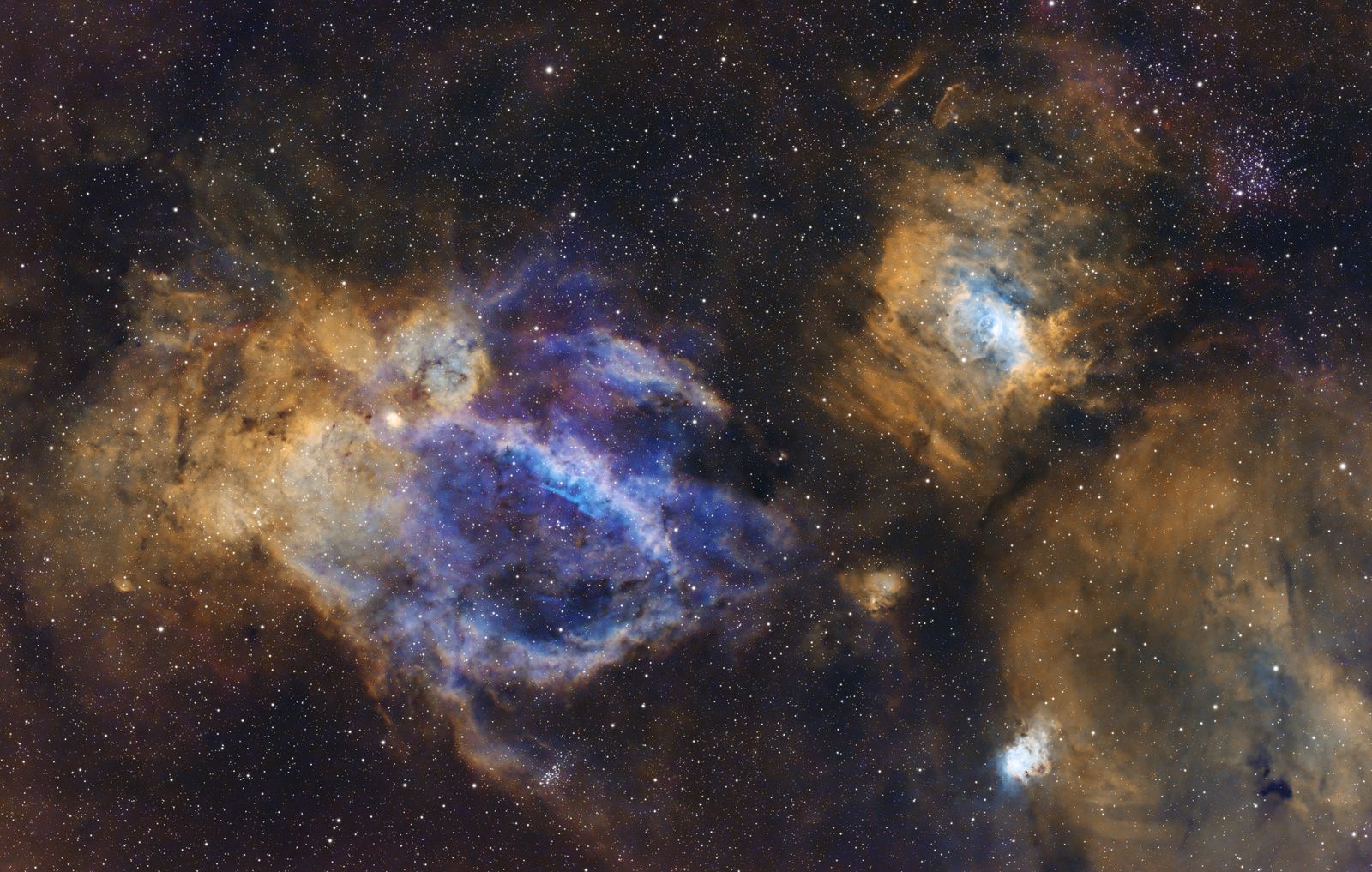
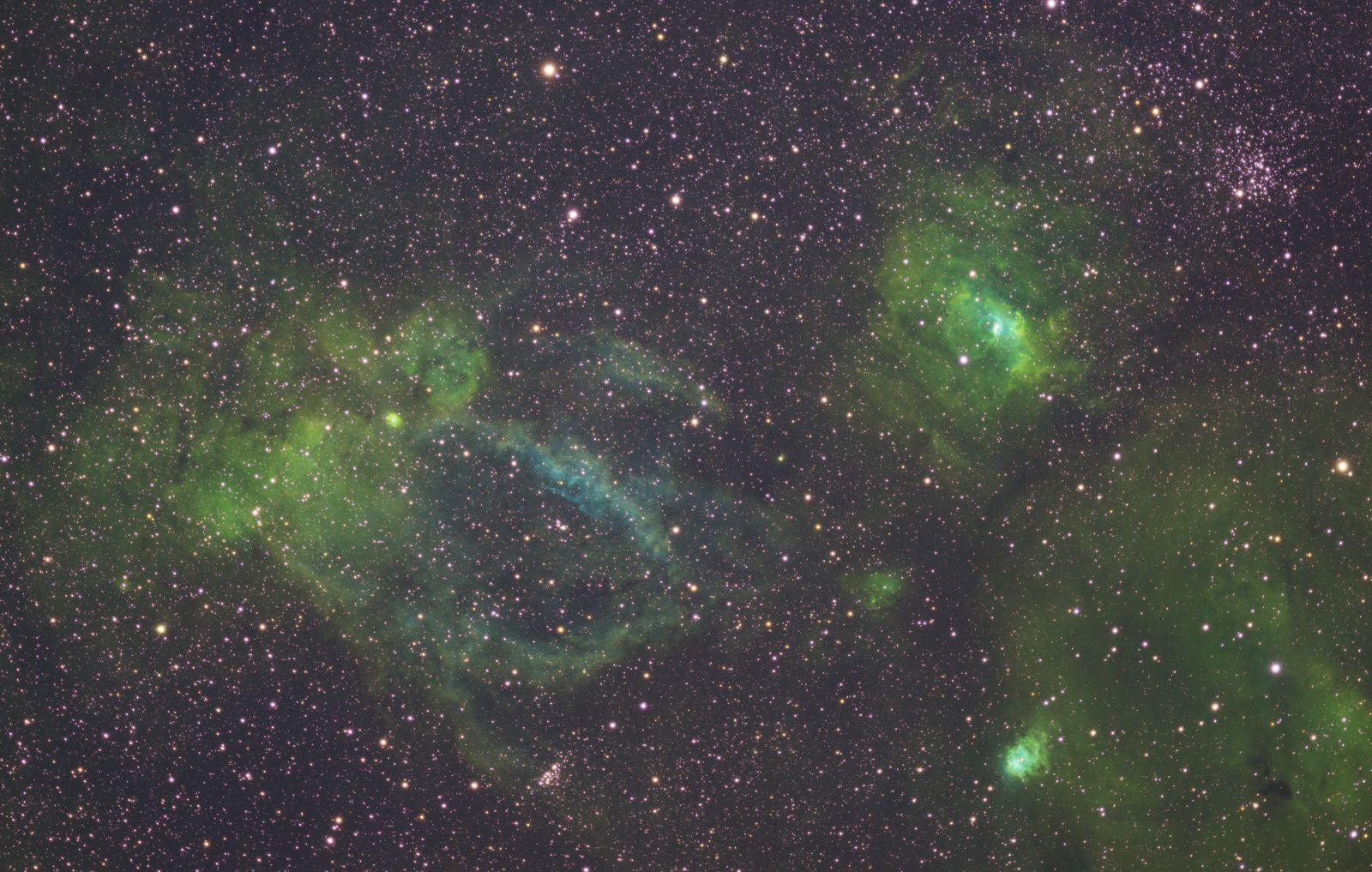
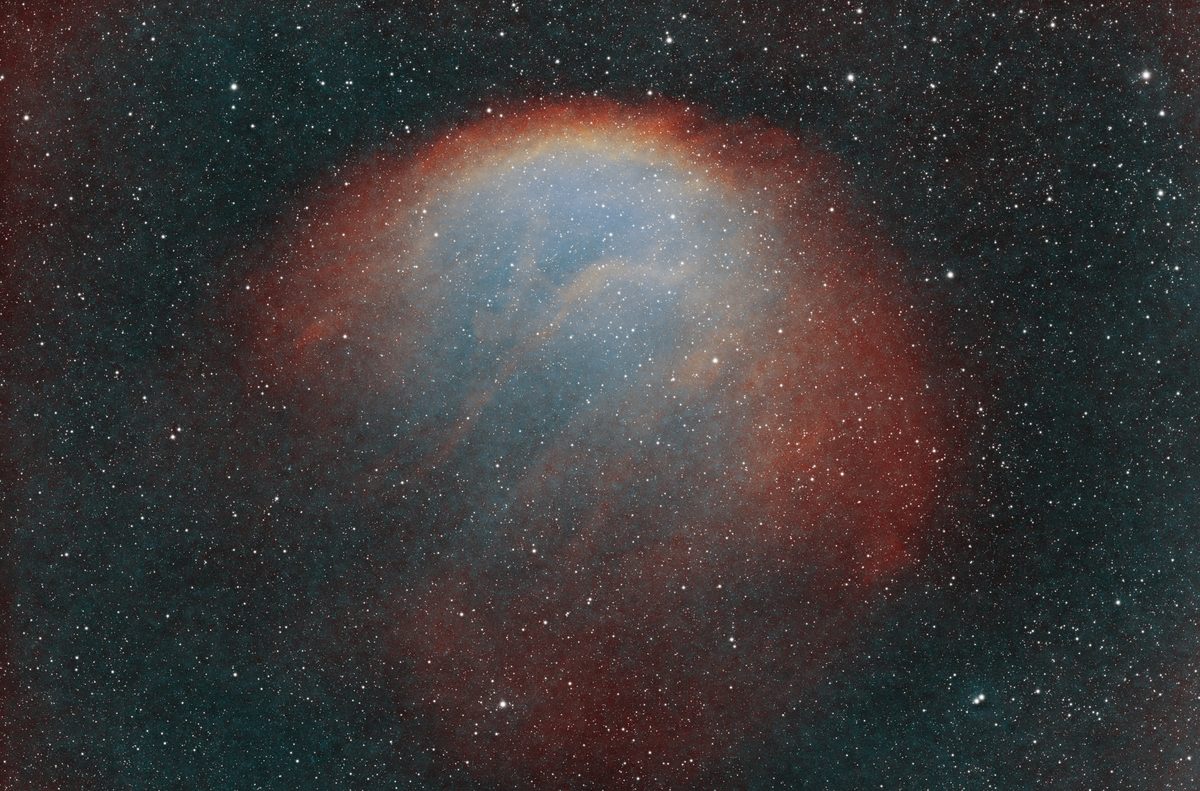
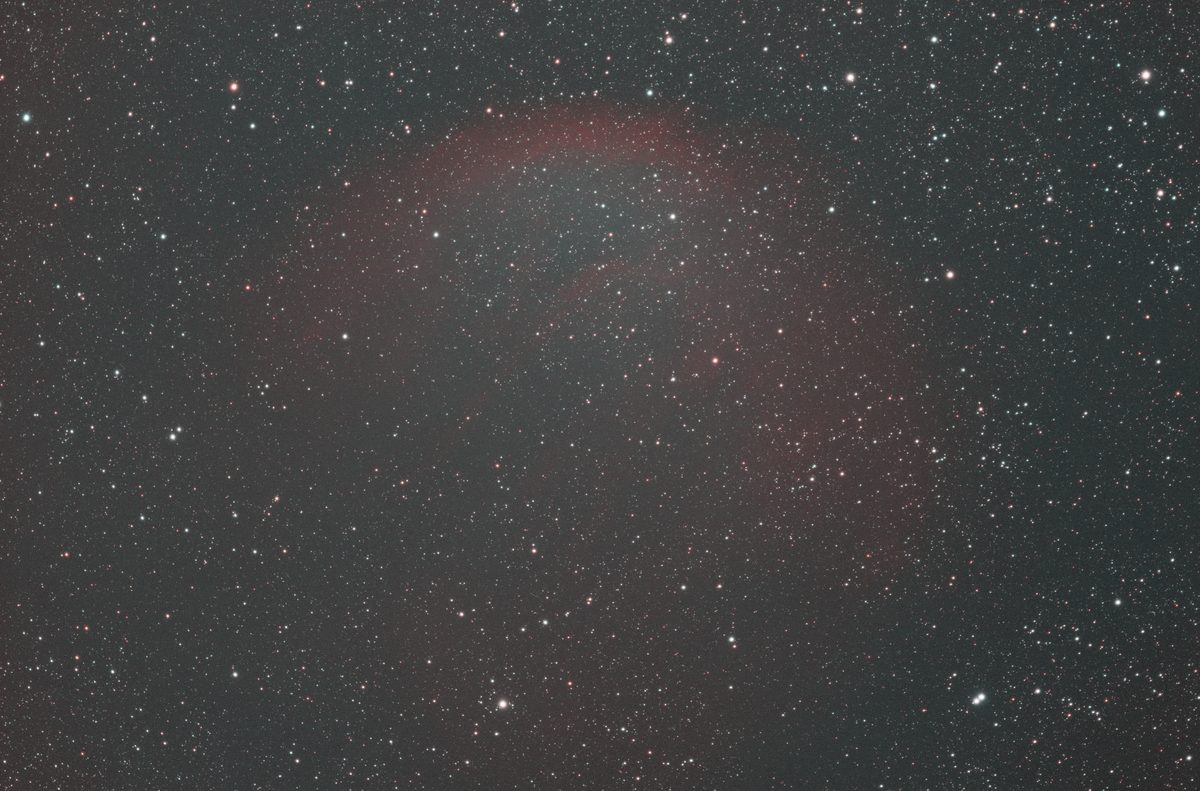
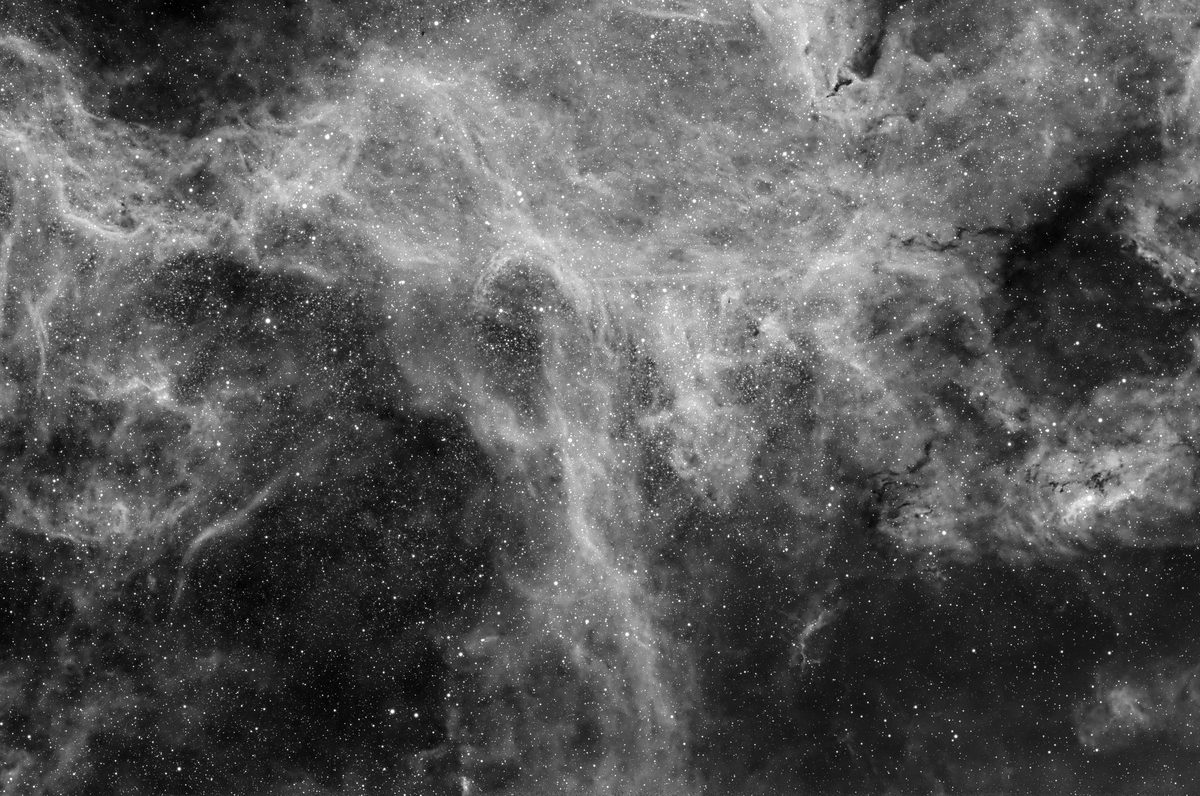
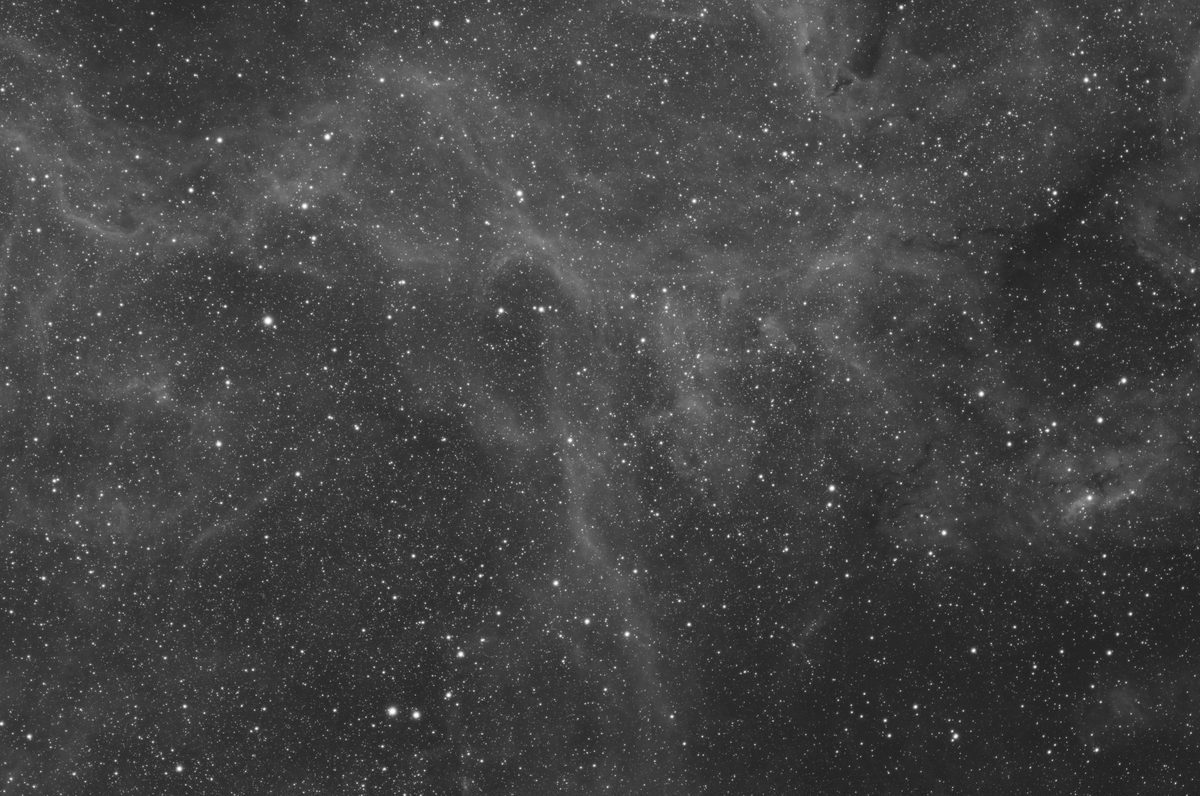
Drag the slider: on the left the stack as it comes out of Noctemira Stack (auto-stretched), on the right the result from Noctemira Edit.
Every image on this page was captured by the developer and stacked and processed with Noctemira only – using the built-in tools at their default settings. No second program, no plugins, no retouching. Each caption lists the steps.
 StackNoctemira Edit
 StackNoctemira Edit
 StackNoctemira Edit
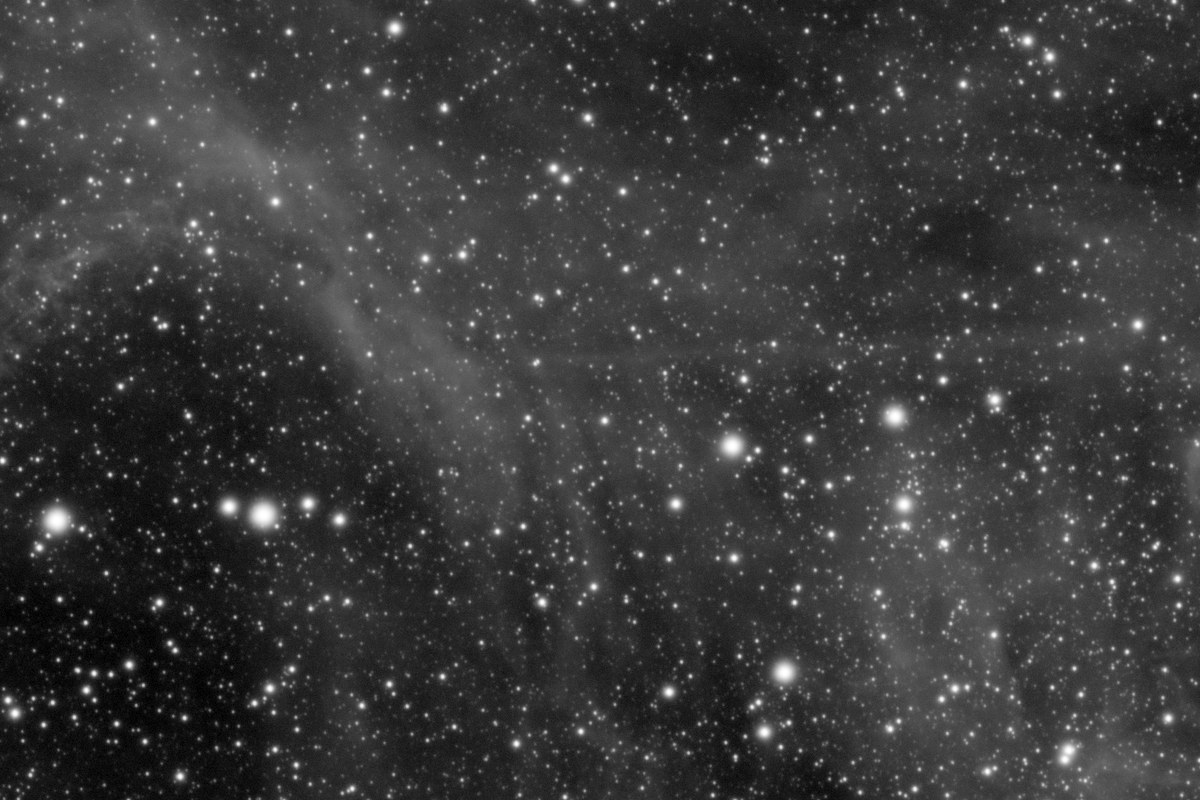 StackSharpened
100 % – 1200 × 800 pixels
StackSharpened
100 % – 1200 × 800 pixels
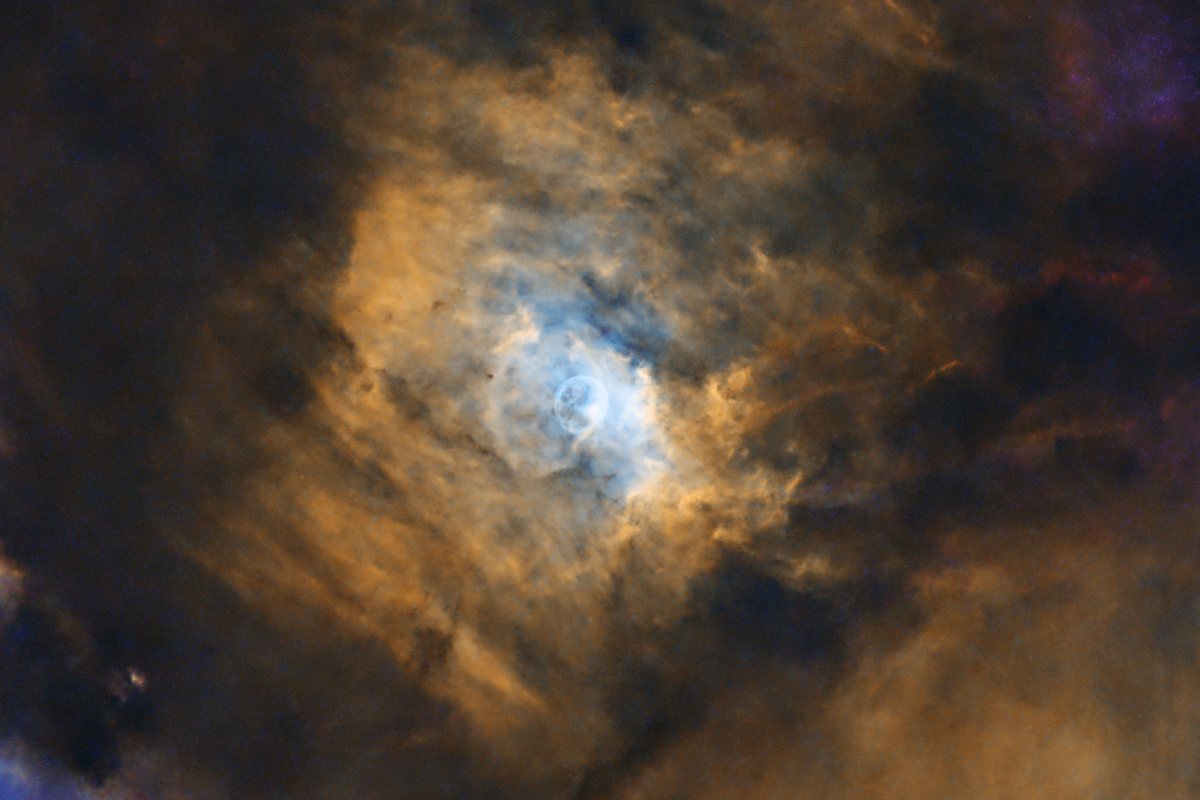
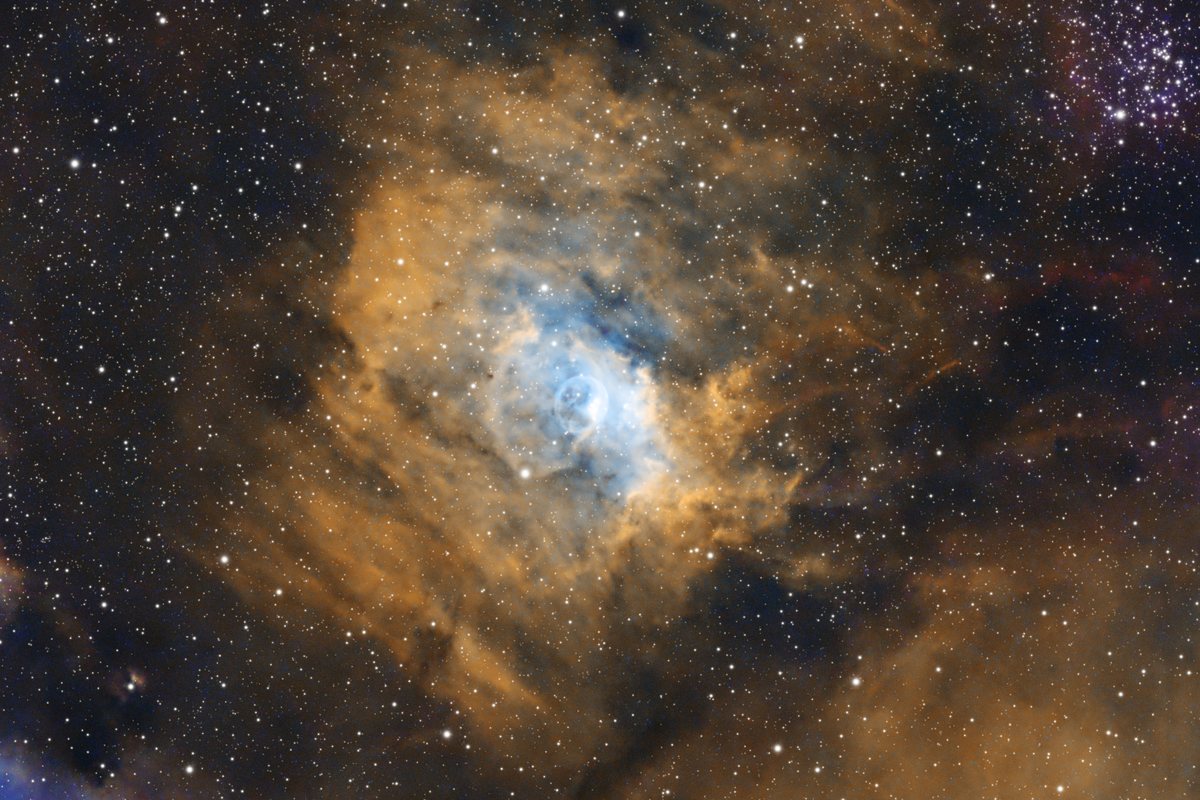 With starsStarless
The screenshots come from exactly these sessions – WR 134 in Noctemira Stack, Lobster Claw in Noctemira Edit. Click for full size.
Lights are sorted by filter; darks, flats, dark flats and bias are recognized automatically – and so are duplicate files.
Noctemira measures sharpness, signal and star shape of every frame and names blurry, cloudy or elongated frames with the reason.
Background, sharpening, star separation, noise reduction, stretching and color – in the right order, with recommended settings.
TIFF 16 or 32-bit, PNG or JPEG with an sRGB profile – or continue in the image editor you already use.
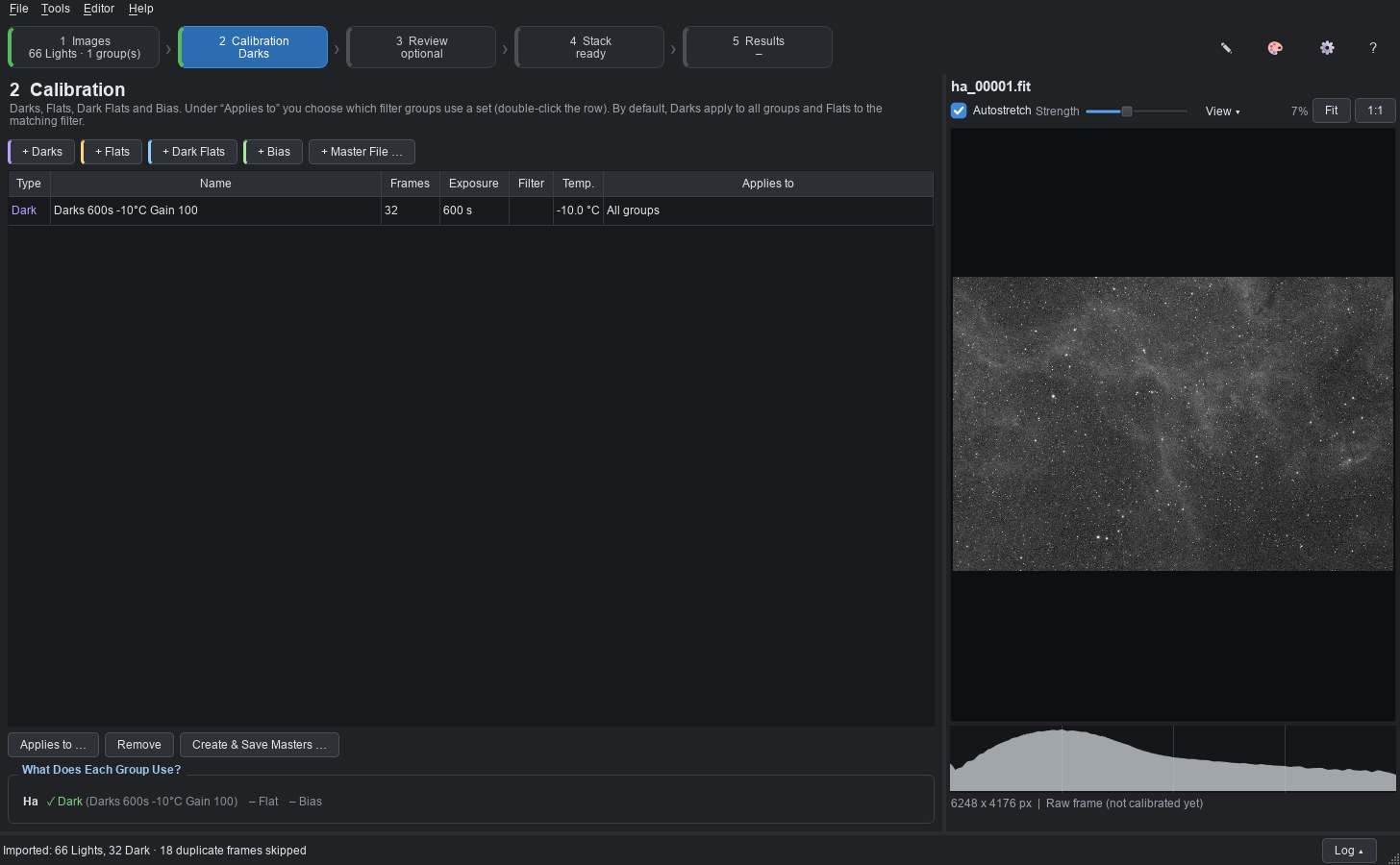
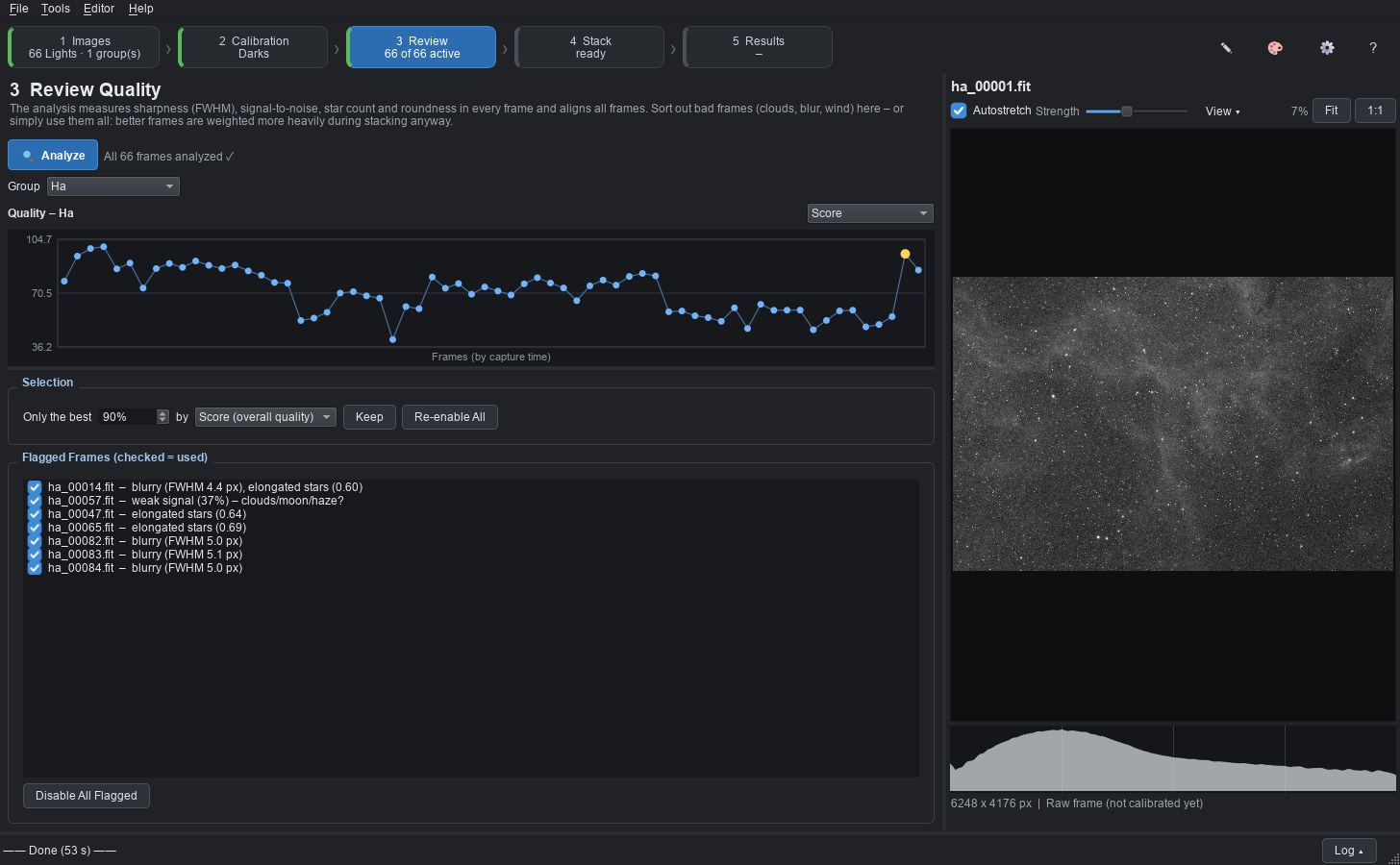
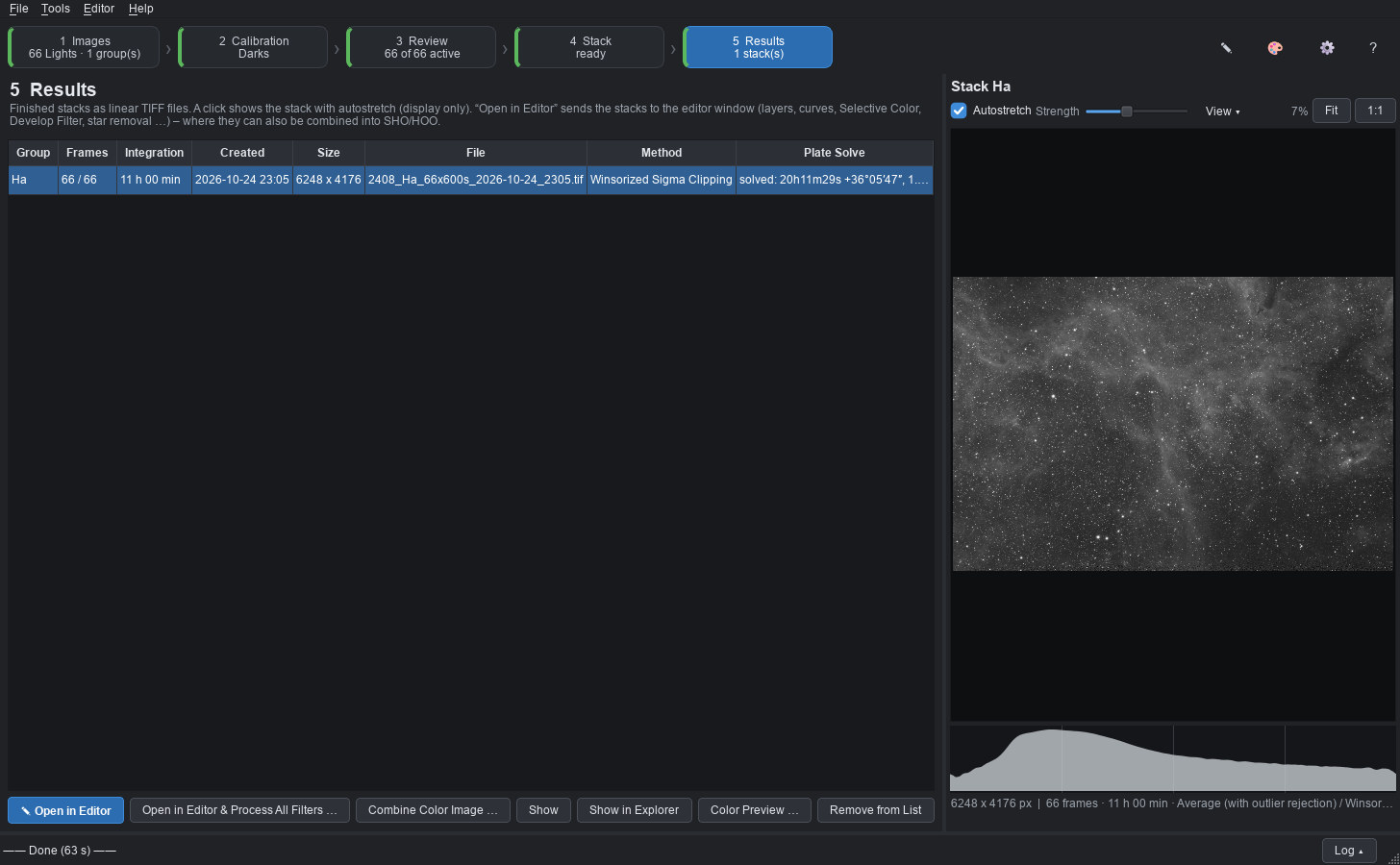
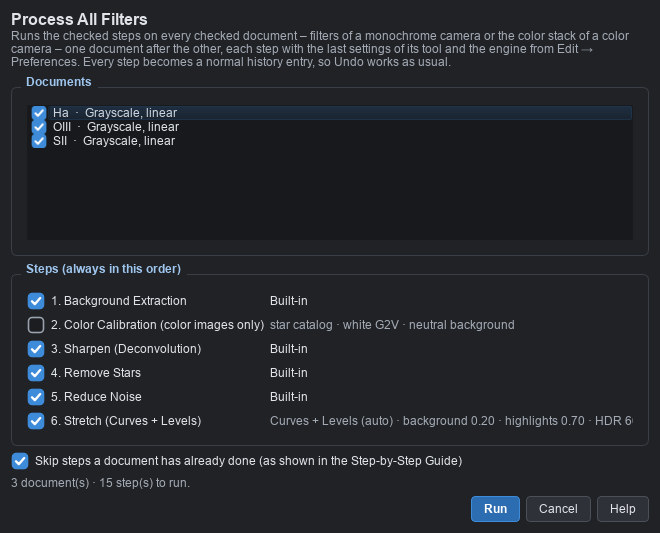
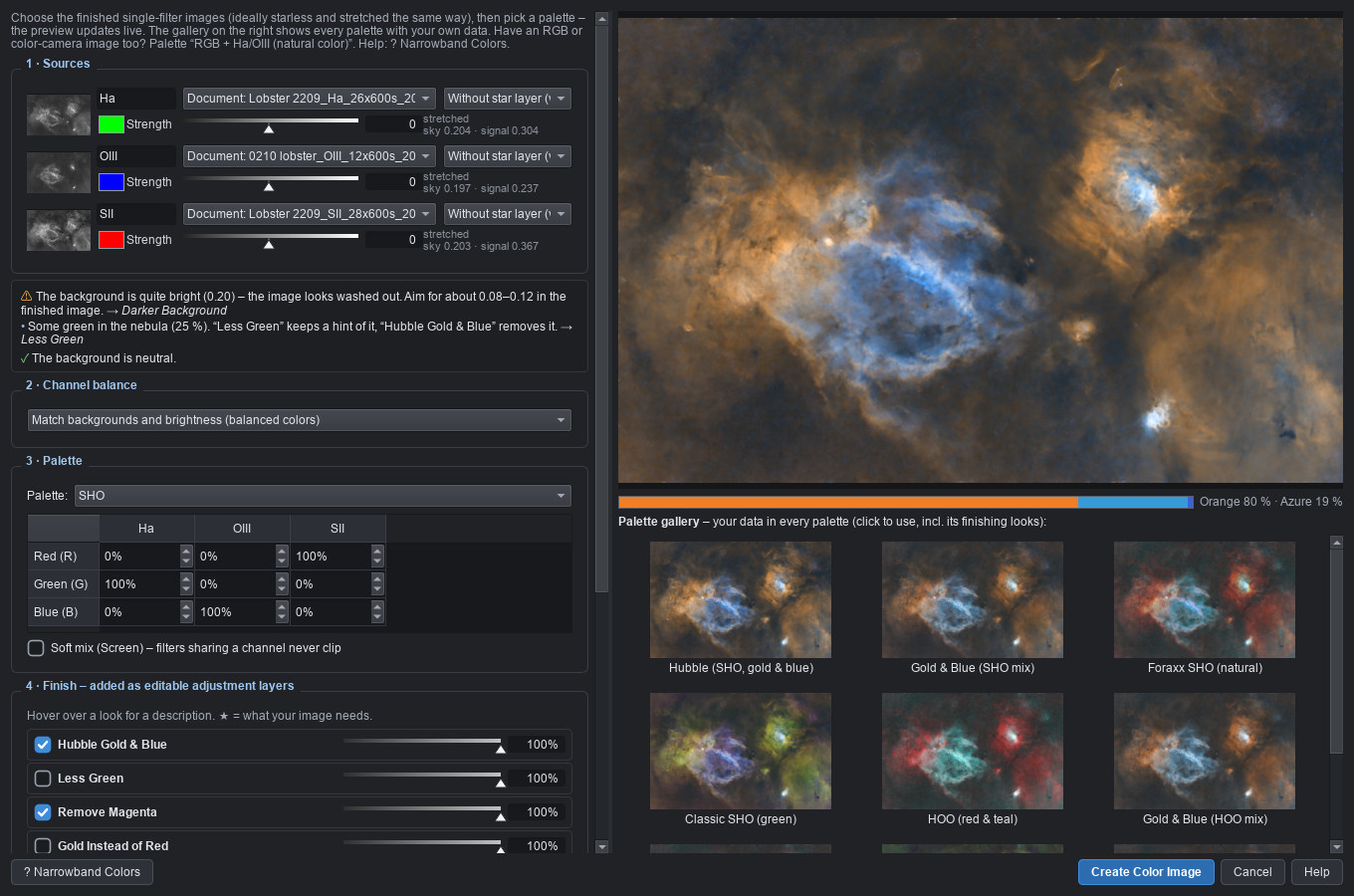
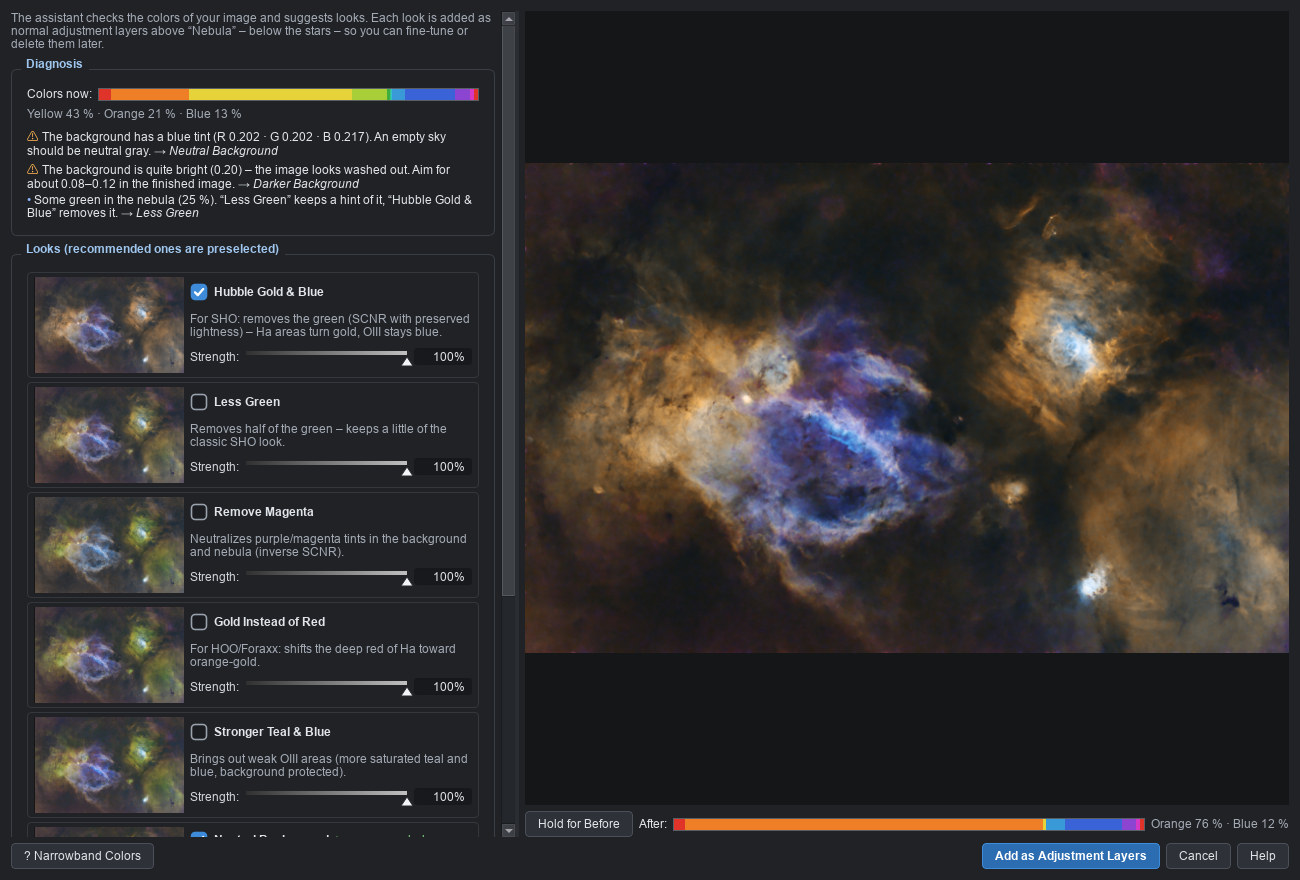
Use them together or on their own: stack in Noctemira and finish elsewhere – or open stacks from other programs in Noctemira Edit.
All tools run on your PC – your images are never uploaded.
No subscription. Try every feature for 14 days first.
14 days, every feature
one-time, incl. VAT · regular price afterwards:
Sales start soonThe launch price applies from day one. Want to hear when it starts? A short e-mail is all it takes.
Notify me at launchPayment, invoice and VAT are handled by our reseller Lemon Squeezy (merchant of record). Prices include VAT for buyers in the EU; local taxes may be added elsewhere at checkout.
From launch, payment, invoice and VAT will be handled by a reseller (merchant of record). Prices include VAT for buyers in the EU; local taxes may be added elsewhere at checkout.
Coming soonNoctemira is almost ready. Write to us and you’ll get an e-mail at launch – with the link to the trial.
Notify me at launchNo. Stacking, background extraction, sharpening, star removal, noise reduction, stretching and color calibration are built in. Noctemira installs with everything it needs – including the star catalogs for plate solving and color calibration.
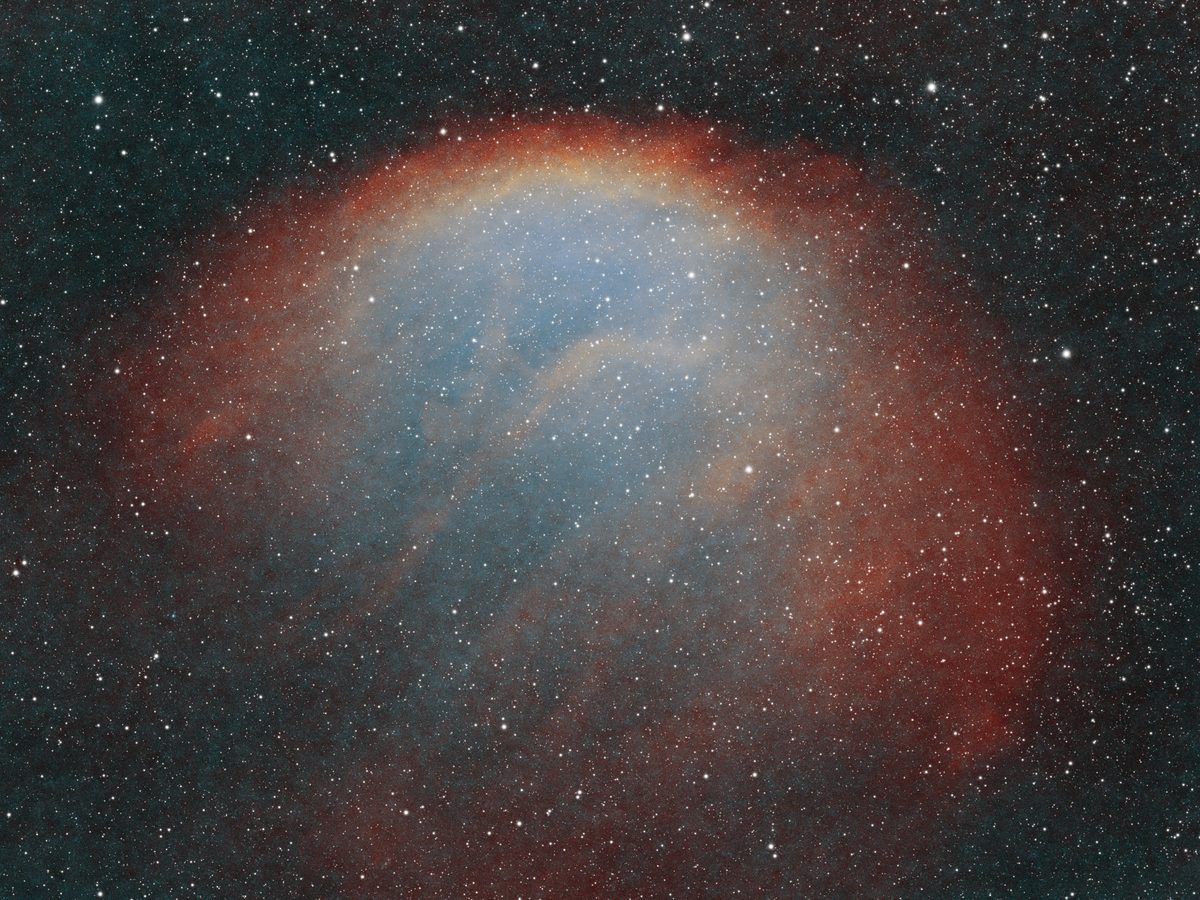
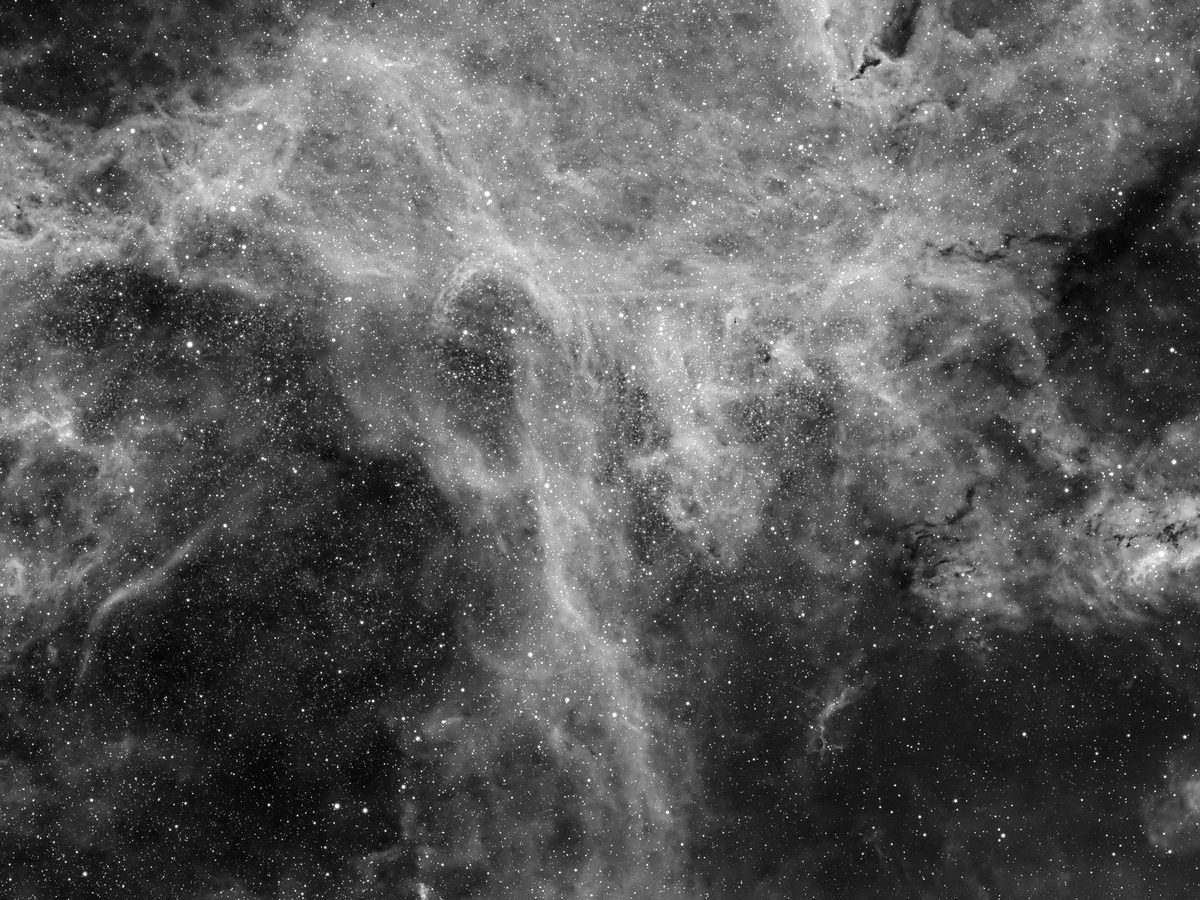
Yes. Lobster Claw and Sh2-216 were stacked in Noctemira Stack, and so was WR 134 – from 84 files, 18 of which Noctemira recognized as duplicates. Everything was processed in Noctemira Edit with the built-in tools at their default settings; the steps are listed under each image. The screenshots come from the same sessions.
Star removal and noise reduction come in two flavors: computed the classic way, and with our own neural networks, trained from scratch on the developer’s own images. The AI runs entirely on your PC – faster with a graphics card, otherwise on the processor. “Beta” means the models keep improving with updates. The classic method is always available.
An example from the developer’s PC (8-core processor, mid-range graphics card): Noctemira Stack reviewed the 66 frames of WR 134 at 26 megapixels each in under a minute and stacked them in just over a minute. “Process All Filters” for the three filters of the Lobster Claw – background, sharpening, star removal, noise reduction and stretch – took about three minutes.
It works with mono astro cameras (FITS, filters such as Ha, OIII, SII, L, R, G, B), one-shot color astro cameras (OSC) and the RAW files of DSLR and mirrorless cameras (CR2, CR3, NEF, ARW, ORF, RW2, PEF, DNG and more). Cameras with a Fujifilm X-Trans sensor are not supported yet.
The program and the user guide are in English. The step-by-step guide in the editor explains every step in plain words, and F1 opens the matching section of the user guide in every tool.
Without a license you can still open, view and edit images. Stacking, saving and exporting need a license key again. Nothing you made is lost: enter your key, save, done.
One license is active on 2 PCs at the same time – for example your desktop PC and the laptop at the telescope. When you move to a new PC, you free the old activation with one click.
No. Noctemira needs the internet once to activate and then works offline – also out in the field. When your PC is online, the license is checked in the background now and then. Only if no check was possible for 60 days does Noctemira need to go online briefly.
No subscription – you pay once. All version 1 updates are included. A later version 2 will be available to license holders as a discounted upgrade.
No. All processing, including the AI functions, runs on your PC. Noctemira only connects to our payment provider's server to check the license.
Yes. Noctemira Stack saves linear 32-bit TIFFs that open correctly in, for example, Siril or Adobe® Photoshop® software. Noctemira Edit also opens stacks from other programs (TIFF, FITS).
Yes, optionally: if you own StarXTerminator, NoiseXTerminator or BlurXTerminator by RC Astro with your own license, Noctemira Edit can use them through their command-line version instead of the built-in tools. You don't need them – the examples on this page were made without. Noctemira is an independent product and not affiliated with RC Astro.
Not at the moment – Noctemira runs on Windows 10 and 11 (64-bit).
Please try Noctemira for 14 days before you buy. [Your refund policy, e.g.: within 14 days of purchase we refund the full price, no questions asked.] For your statutory right of withdrawal see the cancellation policy (in German).
Before buying, with a problem or an idea for a new feature – you'll get an answer within 2 working days.